
BadBit CAD
2D drafting with the commands you already know. Opens and saves DWG and DXF, reads Civil 3D surfaces and exchanges data in LandXML.
Open beta
Open beta · BadBit CAD
A family of engineering software made in Brazil, for Windows, macOS and Linux. It starts with drafting: BadBit CAD is already in open beta.
Beta version: it may contain bugs and change. Your feedback helps improve BadBit CAD.
The idea
A good project begins before the first line is drawn: in the survey, on the ground, in what the site asks for. BadBit’s programs are built around that way of working, from the point measured in the field to the project ready for construction.
01 / 03 · From point to project
It all starts in the field. What was measured in the survey becomes terrain, contour lines and volumes, and stays with the project to the end, without being retyped.
02 / 03 · From point to project
On top of the terrain, the project takes shape: plans, sections, dimensions and sheets ready to print or send. Each stage builds on what the previous one delivered.
03 / 03 · From point to project
After the drawing come architecture, structure, foundations, MEP, coordination and cost estimating. Every discipline works on the same core, from the first point to the job site.
In open beta
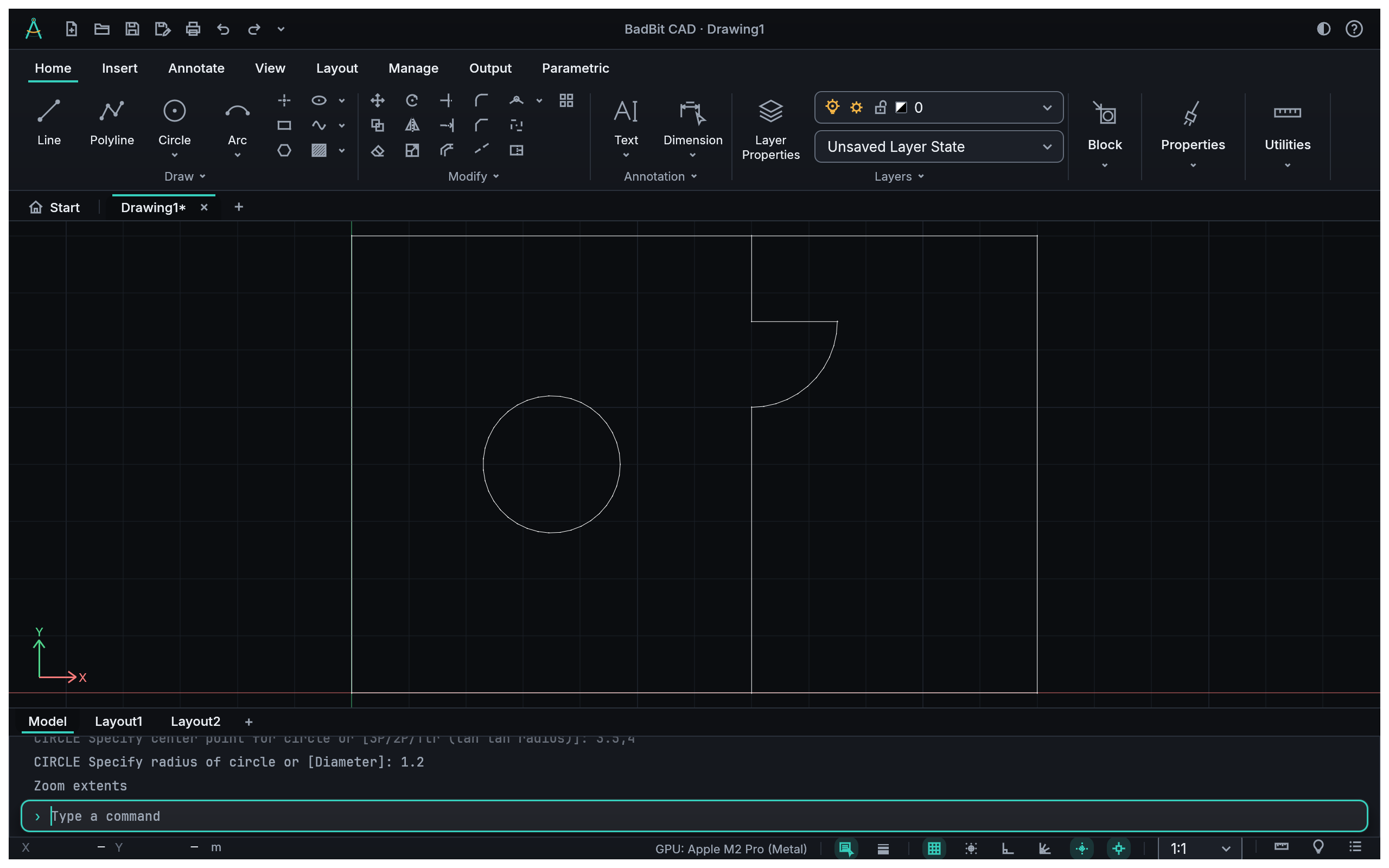
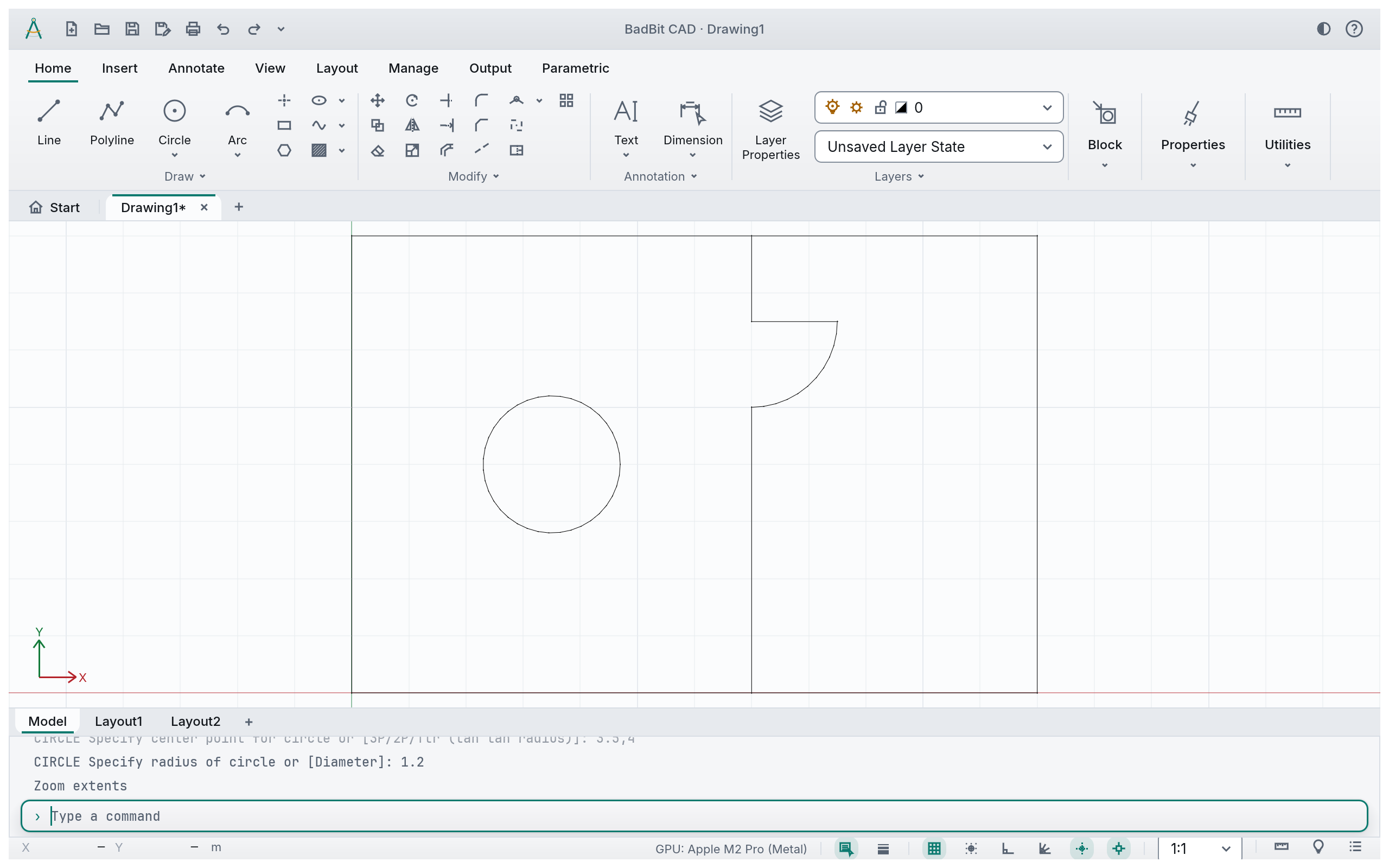
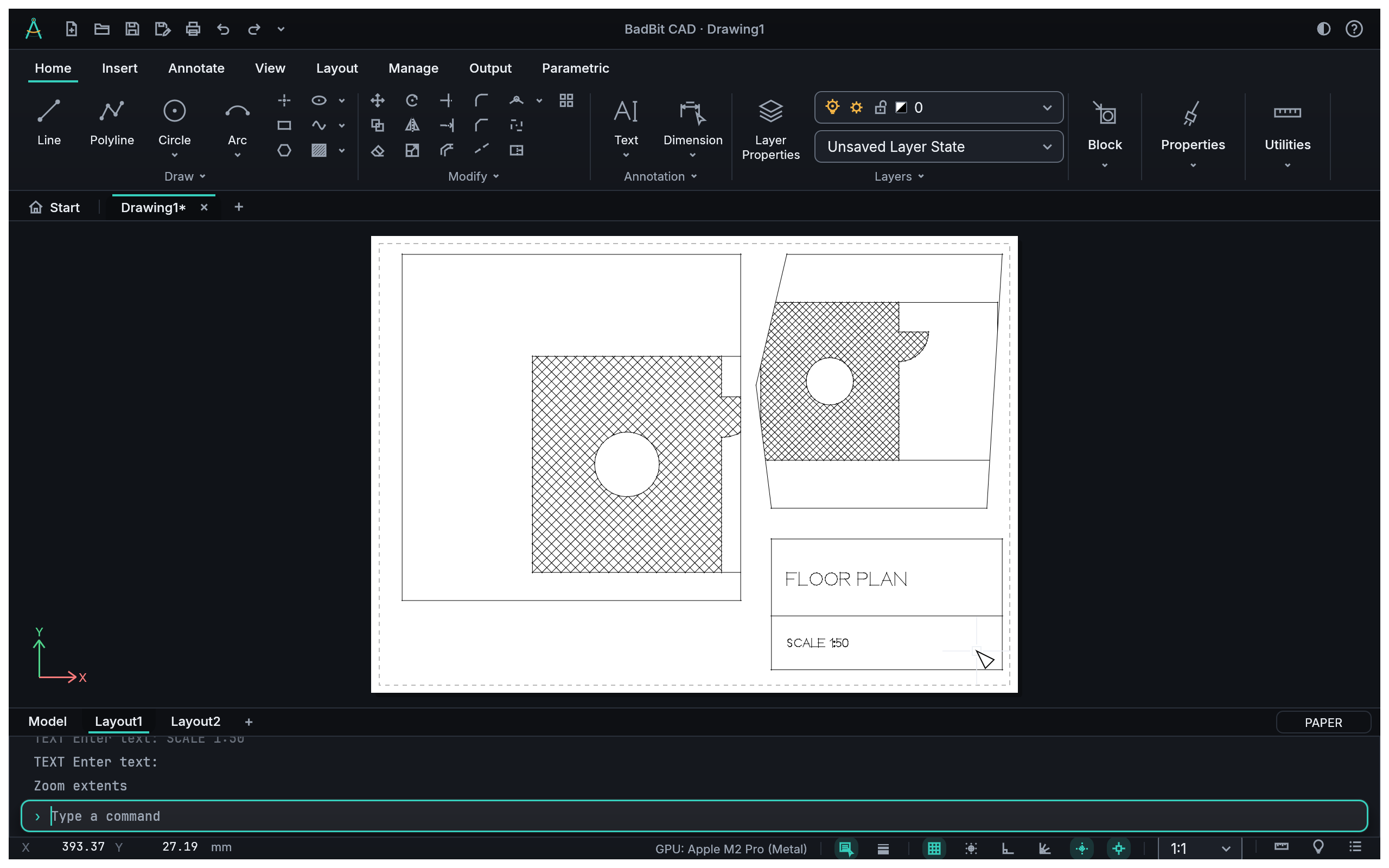
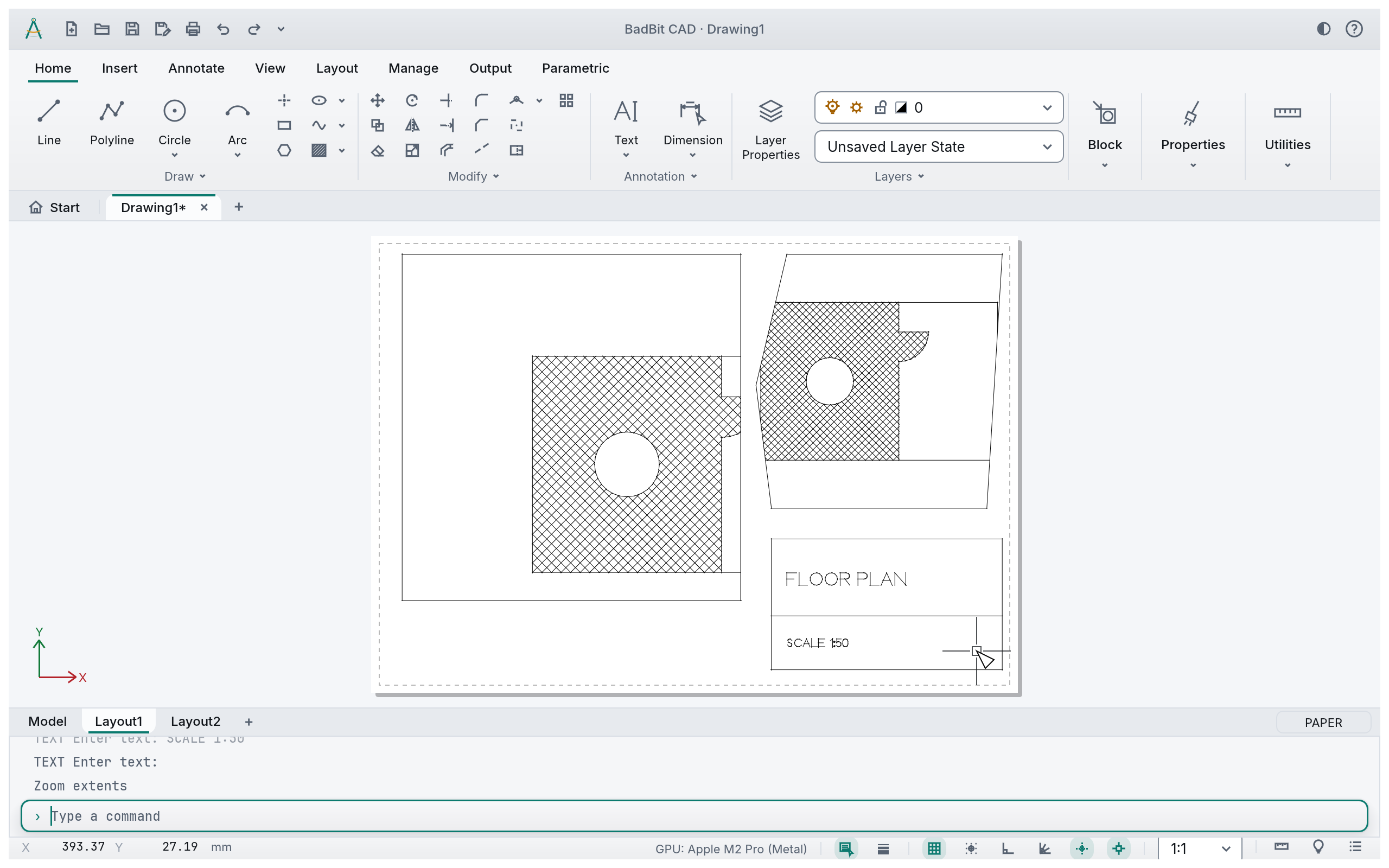
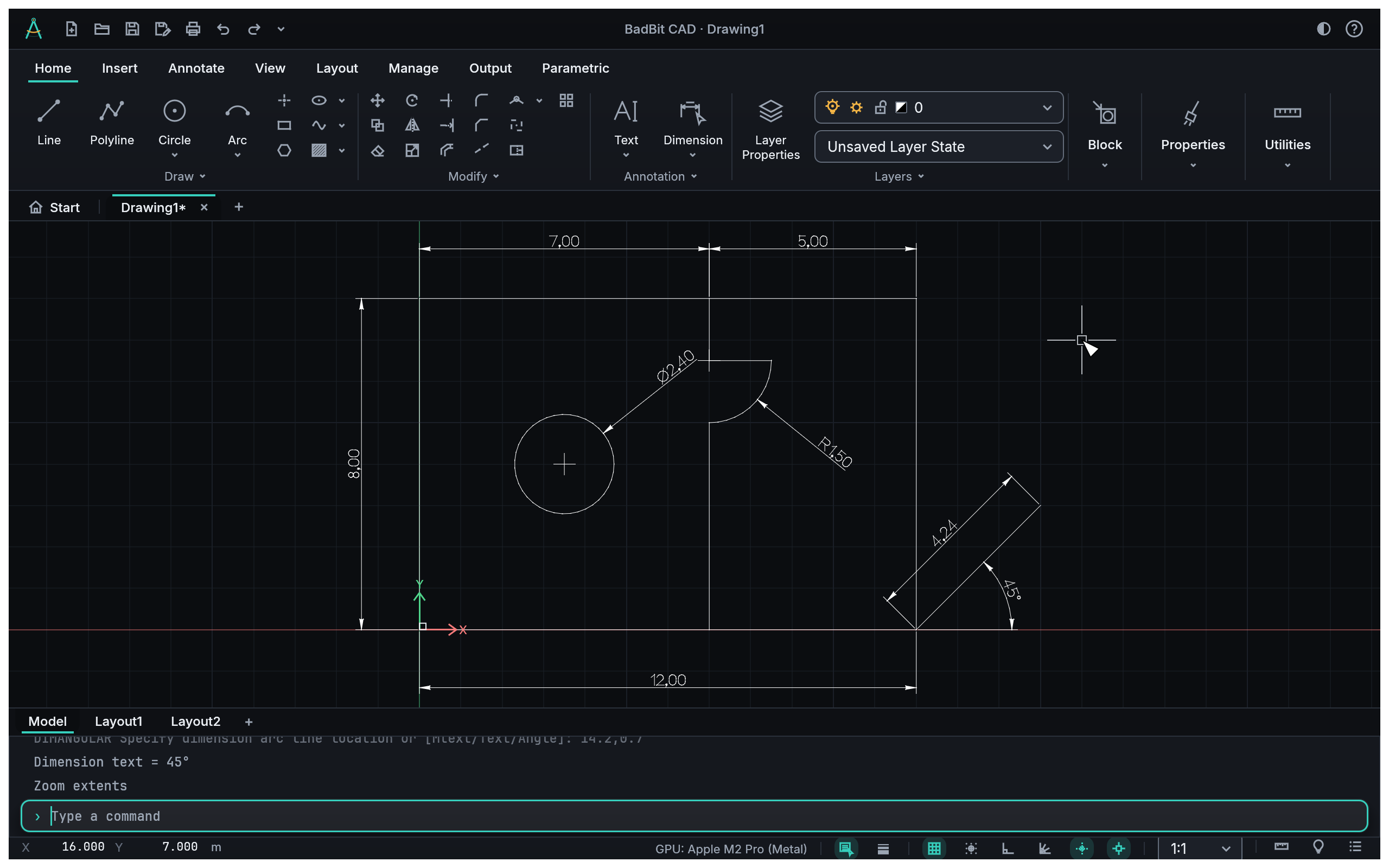
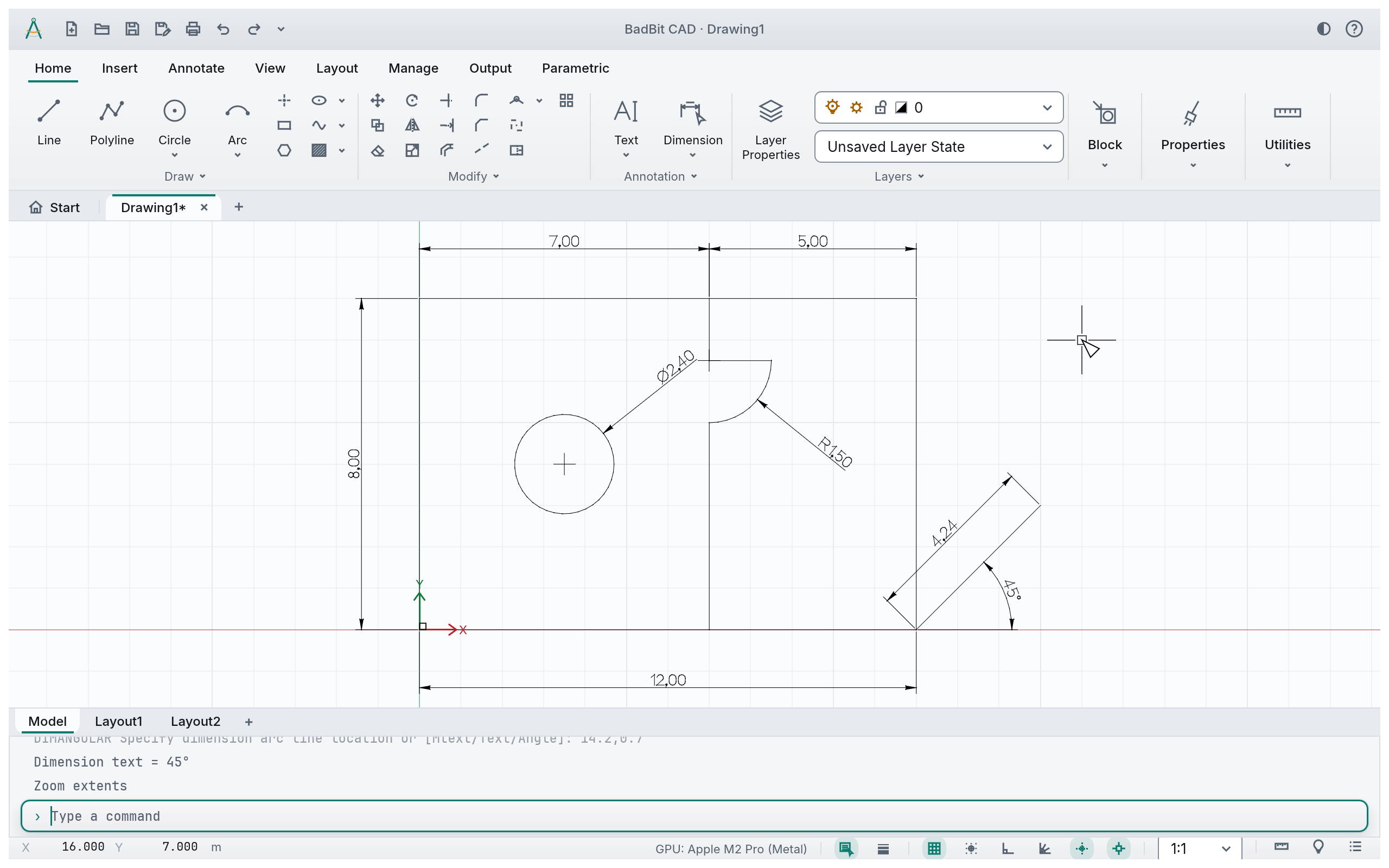
BadBit CAD Fast, lightweight 2D drafting. If you come from AutoCAD, you will feel right at home: the commands, the shortcuts and the way you work are the same. What changes is the speed.
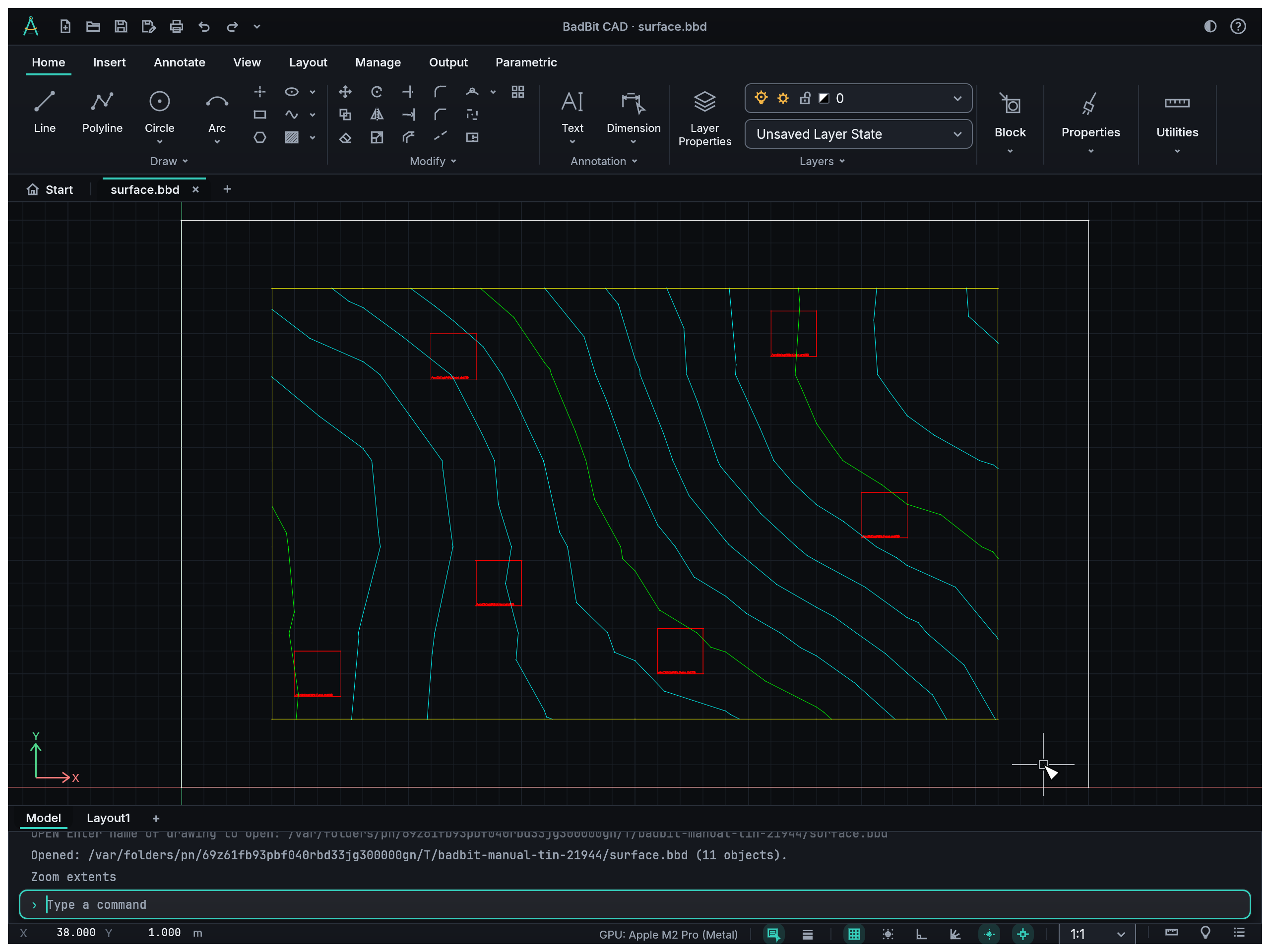
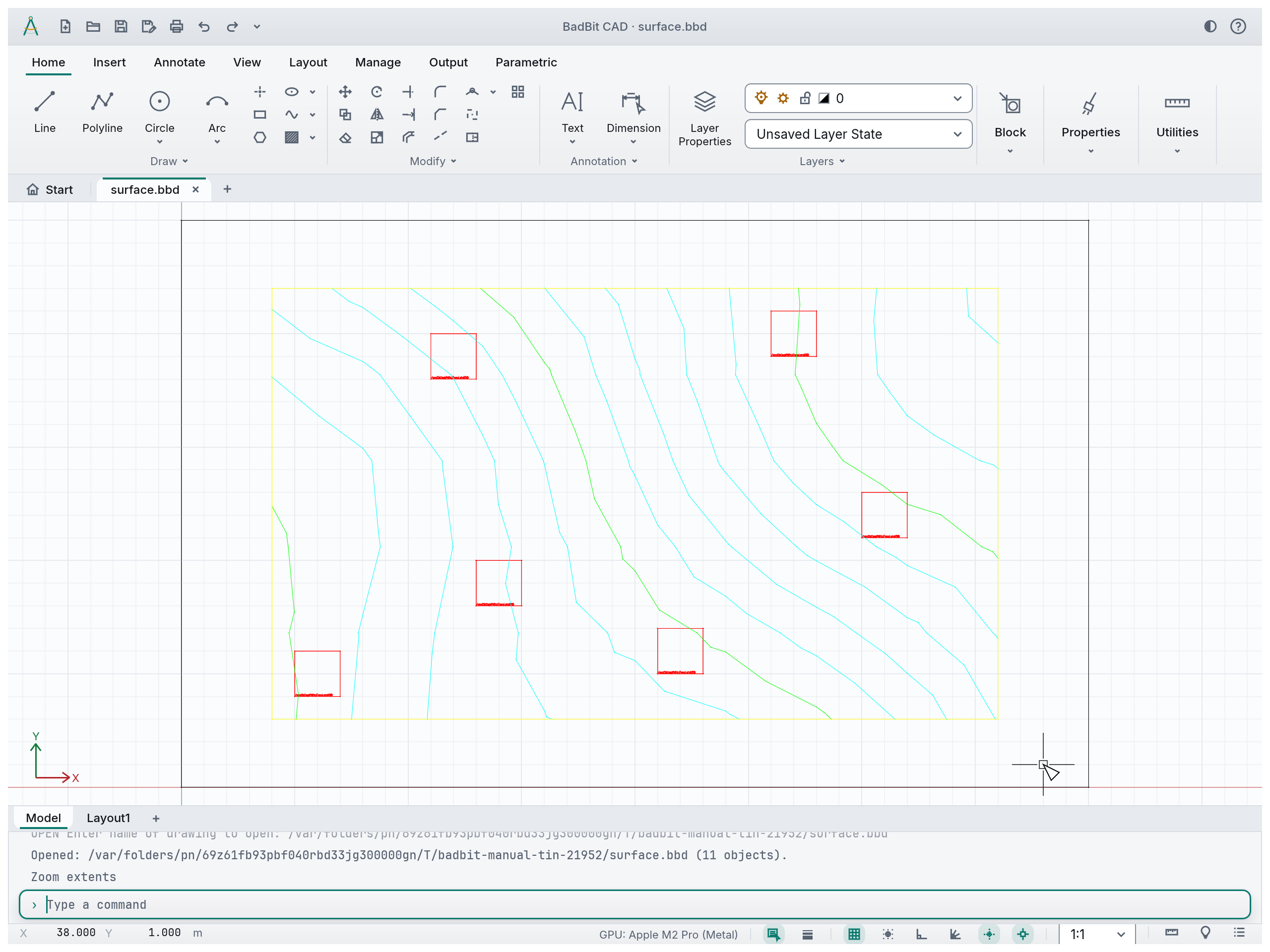
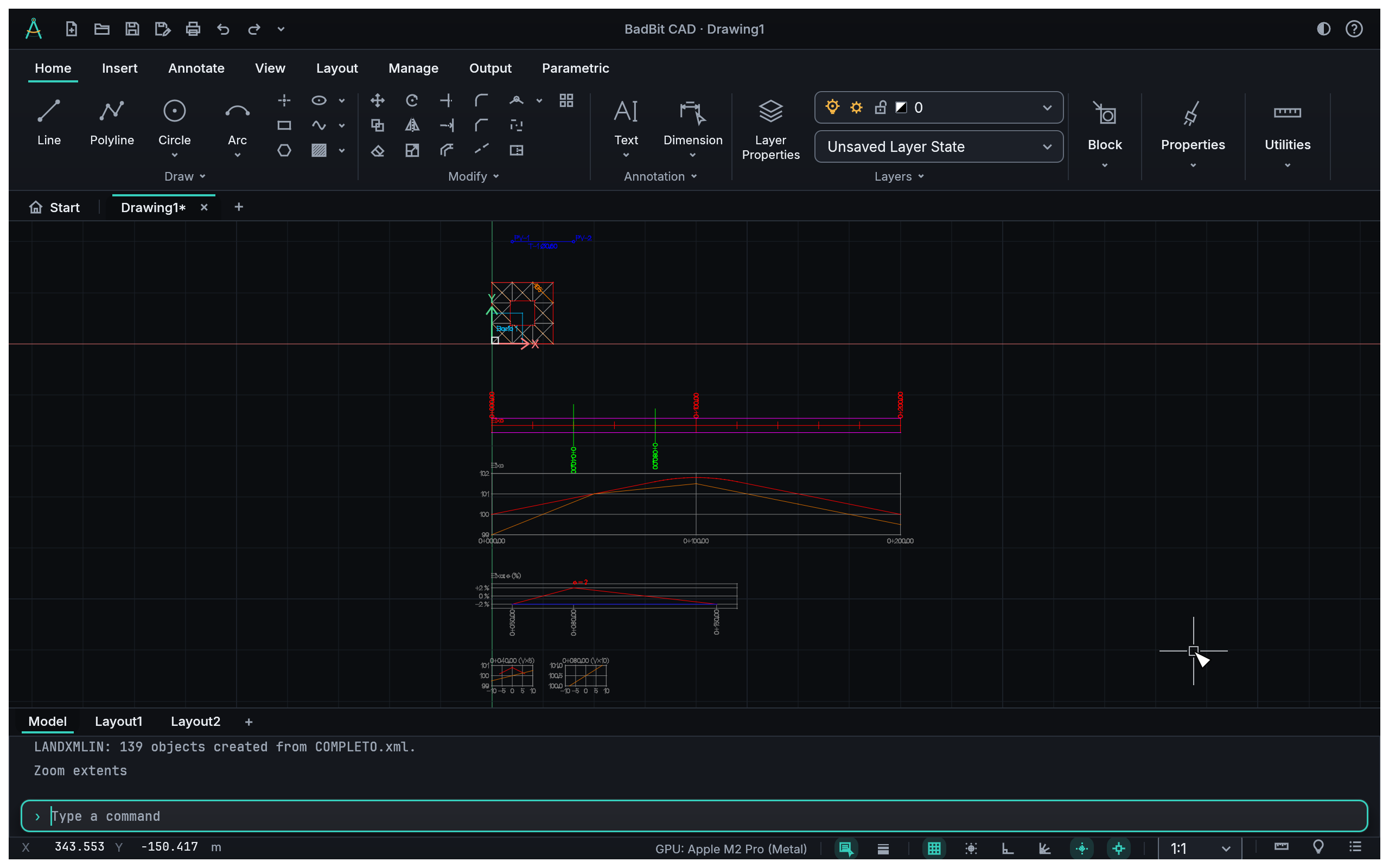
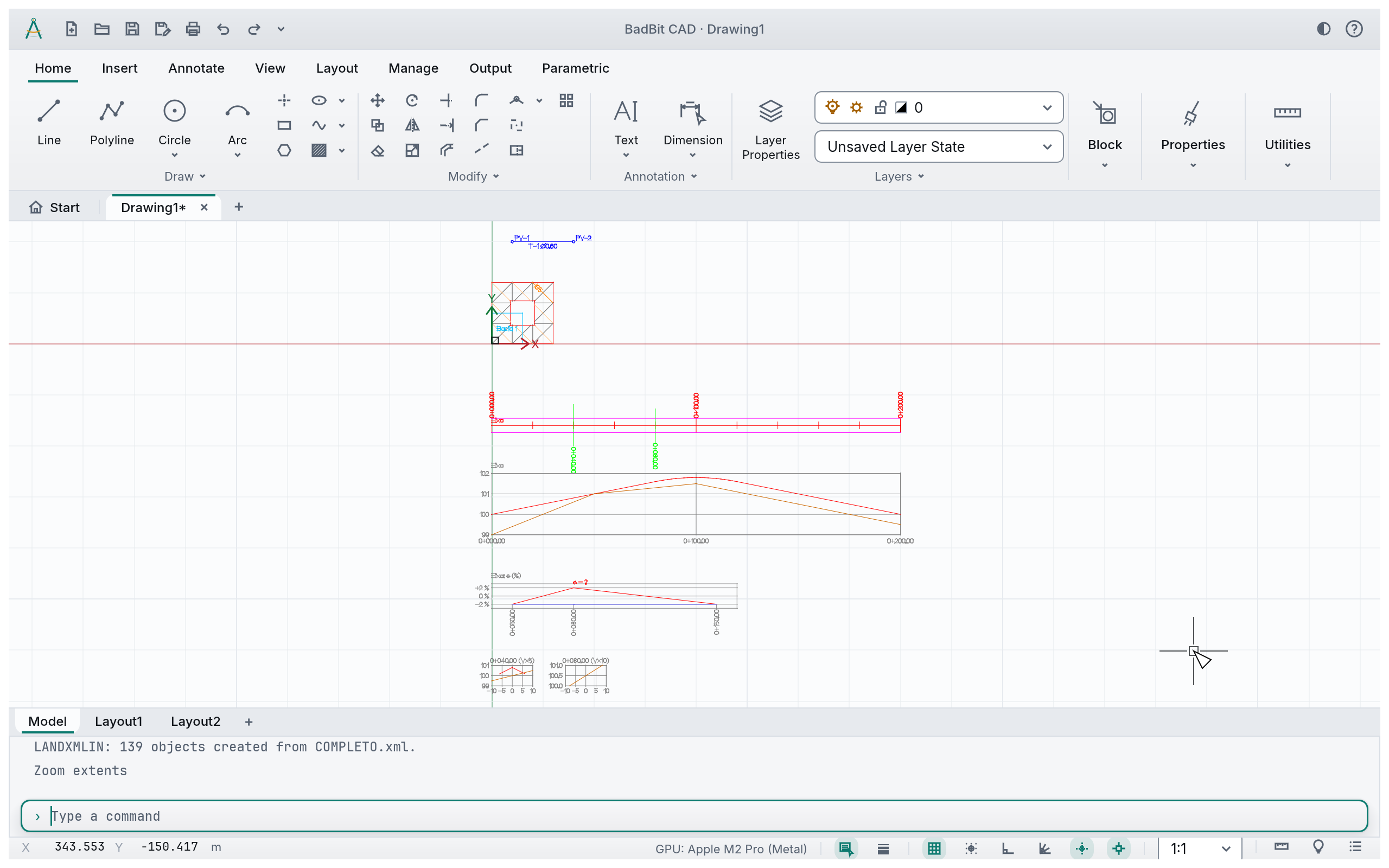
Nothing to relearn
The same command names, aliases and shortcuts you already use. The interface speaks Portuguese, English and Spanish, and the English command names work in any language.
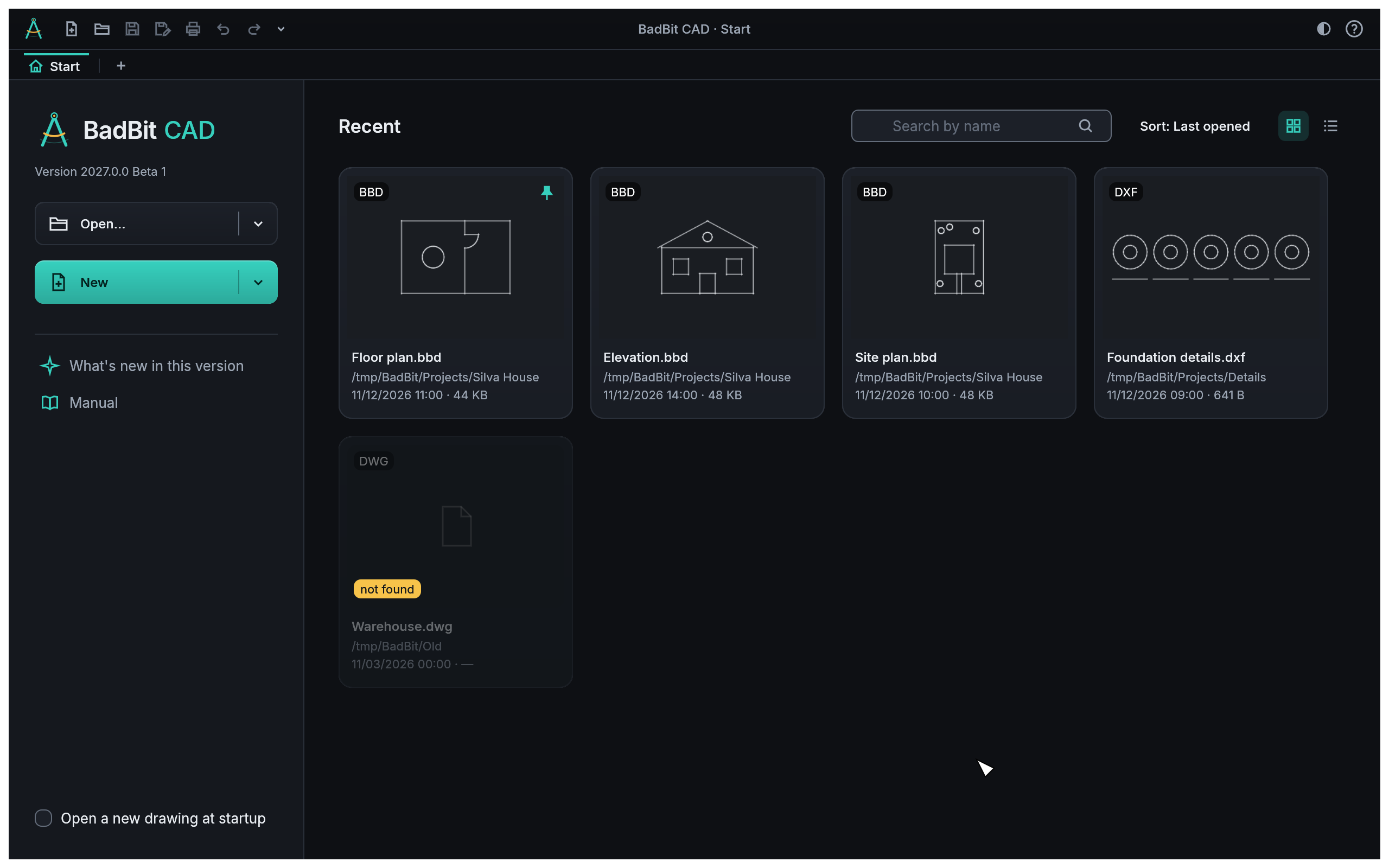
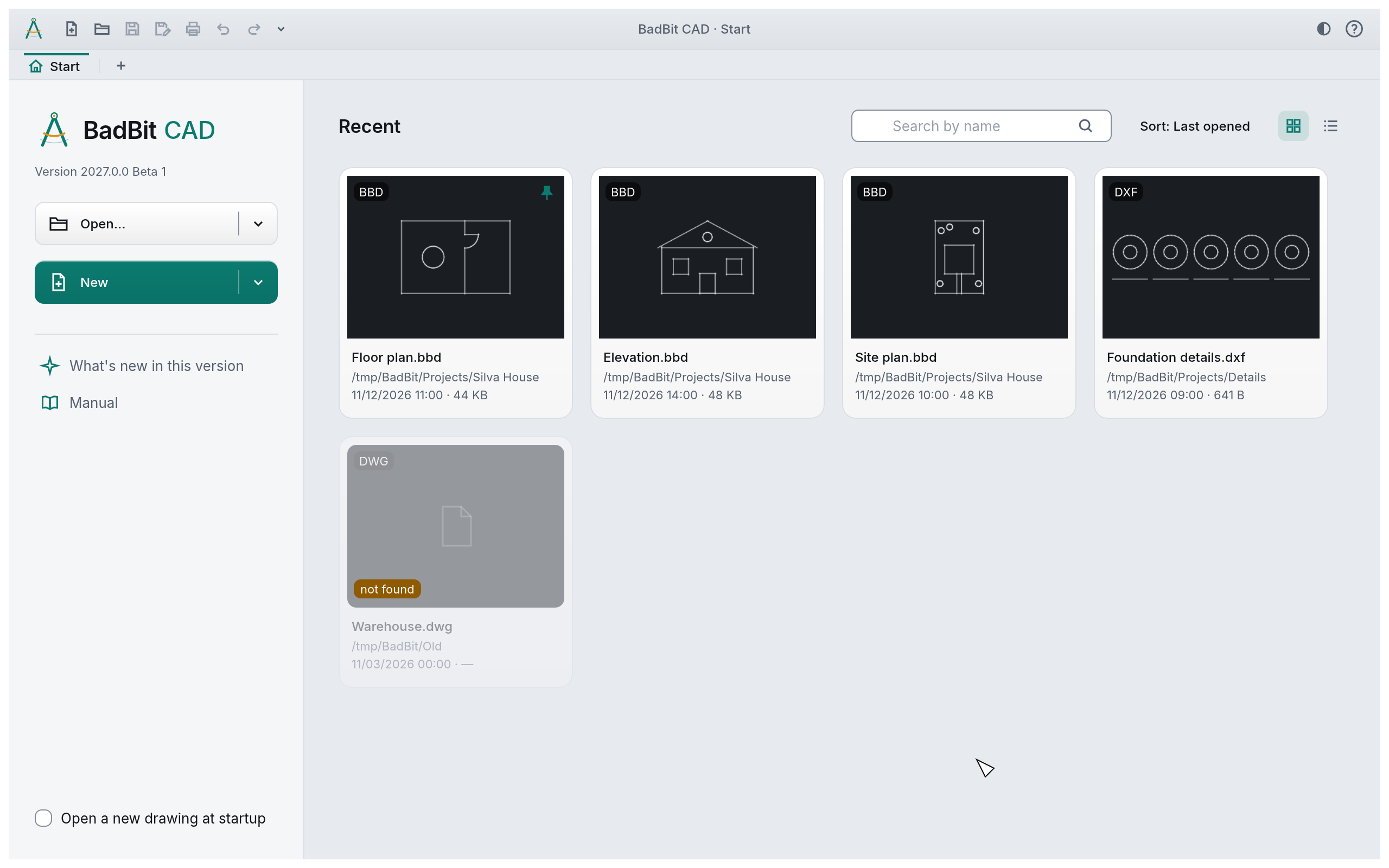
The start screen
Recent files with thumbnails, background opening and saving, incremental saves and recovery after a crash. Undo limited by memory, not by a number of steps.
Performance
Written in Rust from the first file to the last. It draws on the GPU when there is one (Metal, Vulkan or DirectX 12) and uses its own rendering engine on the CPU when there is not. Heavy work runs in parallel, and the window never freezes.
Redraw
per frame, with 1 million lines on screen, on the GPU.
Editing
to move 10,000 objects in a drawing with 1 million lines.
Opening
to open a DWG with 1 million objects, without freezing the window.
Surveying
to read a 21 MB LandXML file with 100,000 points and 200,000 triangles.
Measured on a MacBook Pro with Apple M2 Pro. Numbers vary on other machines.
The BadBit family
Each product is complete and has its own name, but they all run in the same application and speak the same language. You turn on the ones you use.
2D drafting with the commands you already know. Opens and saves DWG and DXF, reads Civil 3D surfaces and exchanges data in LandXML.

Surveying, surfaces and georeferencing: points, contour lines, profiles, volumes, LandXML and a satellite map beneath the drawing.

Architectural modeling in open formats. From massing studies to sheets, with IFC in and out.

Analysis and design with a traceable calculation report: every check states the formula, the code and the clause it used. The final decision belongs to the engineer.

Piles, pile caps and footings based on the soil profile, linked to the structure above.

Plumbing, sanitary and drainage systems on the same project model.

Electrical installations, circuits and panel schedules.

Bring together the models from every discipline and find clashes before construction, with BCF to work with any tool.

Quantities taken straight from the model and cost breakdowns by phase.

Projects open in the browser and on your phone, to review without installing anything.
All products
2D drafting with the commands you already know. Opens and saves DWG and DXF, reads Civil 3D surfaces and exchanges data in LandXML.
Open betaSurveying, surfaces and georeferencing: points, contour lines, profiles, volumes, LandXML and a satellite map beneath the drawing.
In developmentArchitectural modeling in open formats, with IFC.
In developmentAnalysis and design with a traceable calculation report.
In developmentPiles, pile caps and footings based on the soil profile.
In developmentPlumbing, sanitary and drainage systems.
In developmentElectrical installations and panel schedules.
In developmentModel federation and clash detection.
In developmentQuantities and cost breakdowns.
In developmentProjects open in the browser and on your phone.
In developmentHow we think
It tells you whether a criterion is met or not, and shows where. The decision belongs to whoever signs.
Inputs, formula, code, edition and clause, so you can check later.
Reads and writes DWG and DXF, exchanges LandXML, and the .bbd format is open and documented. IFC and BCF are on the way. The project is yours and stays yours.
Each discipline handles its own work from start to finish.
Open to everyone
Take part in its development: anyone can join. Create your BadBit Account, download it and start using it. Tell us what you think: that is how it gets better.
Beta version: it may contain bugs and change. Your feedback helps improve BadBit CAD.
Questions or feedback?
A BadBit product