
Inquiry
Commands that measure and describe the drawing without changing anything. The results appear on the command line, in the units set in the preferences.
ID
Shows the coordinates of a point (X, Y and Z, which in 2D is always 0). Object snaps apply: ID and a click with the Endpoint snap gives the exact coordinates of the end.
DIST (alias DI)
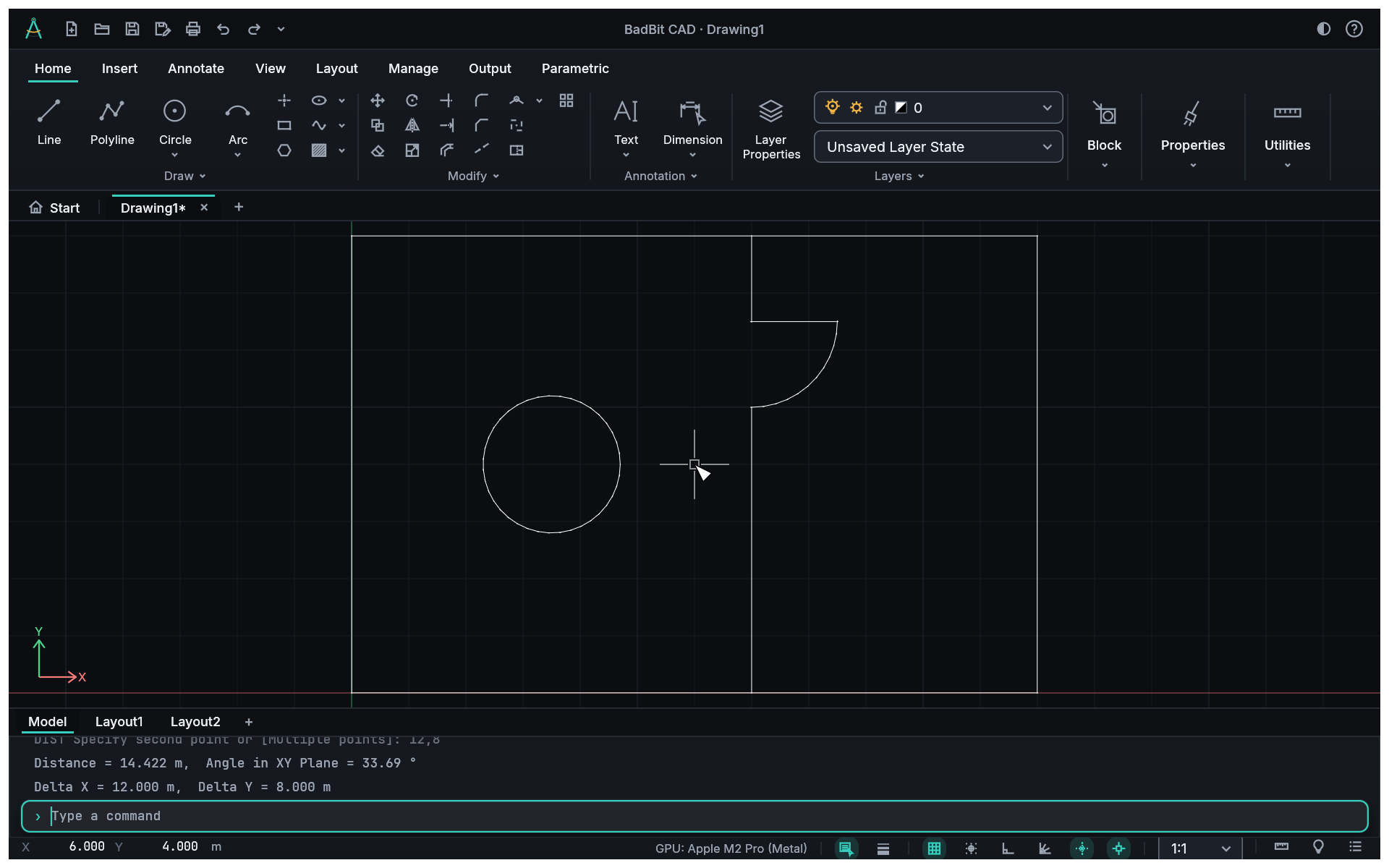
Measures from one point to another: the distance, the angle in the XY plane and the deltas in X and Y. With Multiple points (M) after the first point, it adds up the segments until Enter (or Total, T), showing the running sum at each point; Undo (U) removes the last one.
AREA (alias AA)
Measures the area and the perimeter:
- By points: the corners, until Enter (with three or more); Undo (
U) removes the last one. - Object (
O, or Enter at the first prompt): a circle, ellipse, polyline, spline, arc or line. On an open object, the area is that of the figure closed by a straight line from one end to the other, and the length is reported instead of the perimeter. - Add area (
A) and Subtract area (S): each measured area is added to or subtracted from the total, which is shown after each measurement. In Object mode, it keeps asking for objects; eXit (X) or Enter ends with the total.
MEASUREGEOM (alias MEA)
Brings the measurements together and repeats until eXit (X):
| Option | What it measures |
|---|---|
Distance (D) | Like DIST. |
Radius (R) | The radius and diameter of an arc, circle or arc segment of a polyline. |
Angle (A) | Of an arc (the included angle), between two lines (on the side where they were clicked), on a circle (between two points on it) or, with Enter, by a vertex and two endpoints. |
ARea (AR) | Like AREA. |
Volume (V) | The area of the base (by points or from a closed object, with Object O) times the height requested. Add volume (A) and Subtract volume (S) accumulate a total, as in AREA; eXit (X) ends with it. |
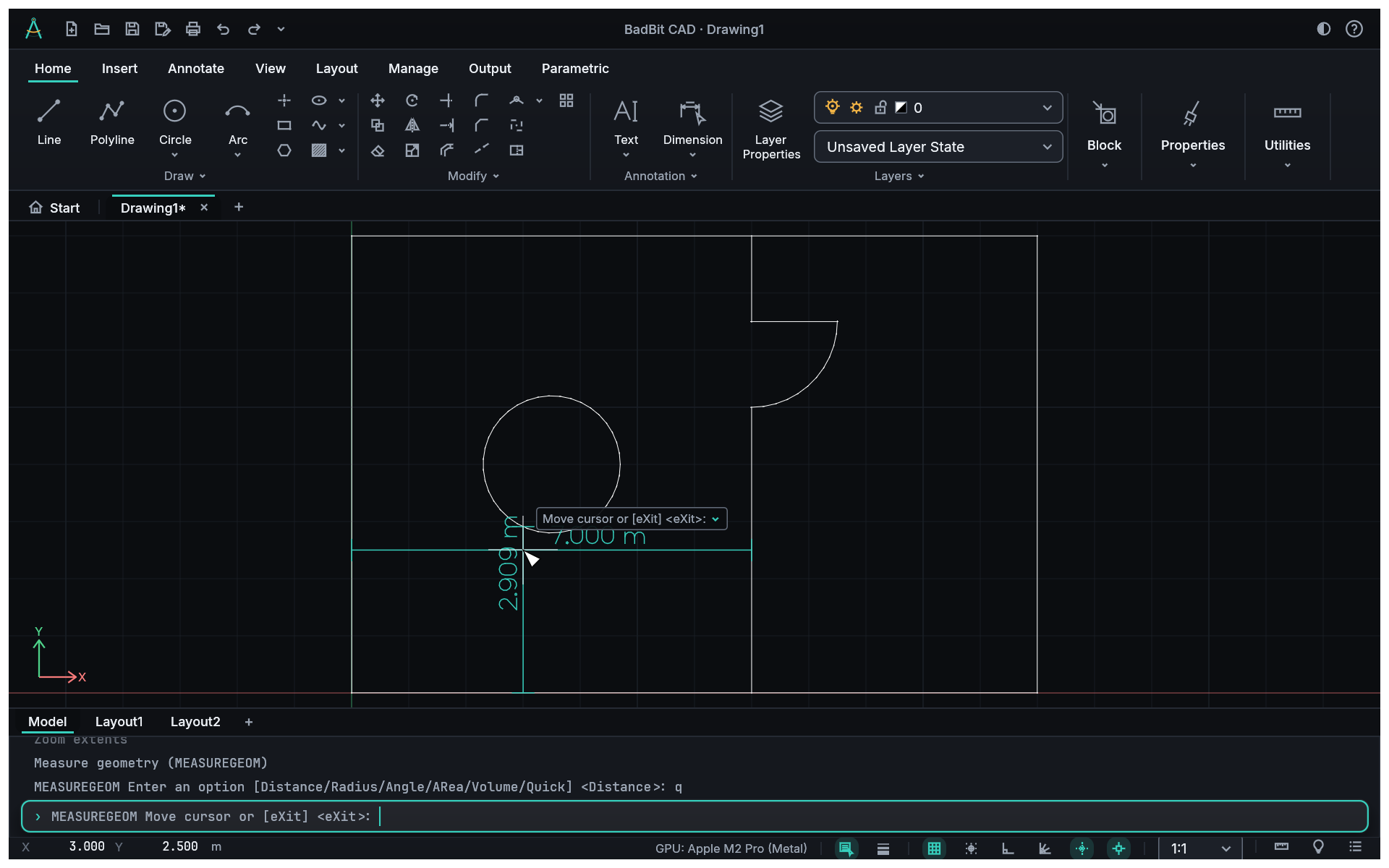
Quick (Q) | With the cursor resting in one place, the measurements to the nearest objects appear in the drawing: the horizontal and vertical distances between them (or from the cursor to the only one found). A click writes the measurements to the command line and, inside a closed region, its area and perimeter. Enter returns to the options. |
The Volume is that of a right prism (2D CAD: the base on the plane and the given height).
LIST (aliases LI, LS)
Describes the selected objects: the type (the DXF name: LINE, LWPOLYLINE, CIRCLE...), the layer, the object's own color, linetype and lineweight (or ByLayer), and the geometry: endpoints, length and angle of a line; center, radius, circumference and area of a circle; angles and length of an arc; vertices, bulges, width, area and perimeter of a polyline; axes of an ellipse; order and points of a spline; style, height, rotation and contents of texts.